The plan and the quote, in the same place as your measurements.
Add plans, your quotes and your contracts to a project or to a sheet. They open in the app, on site as in the office, and you attach a plan to the section it describes.
No credit card. Cancel anytime.
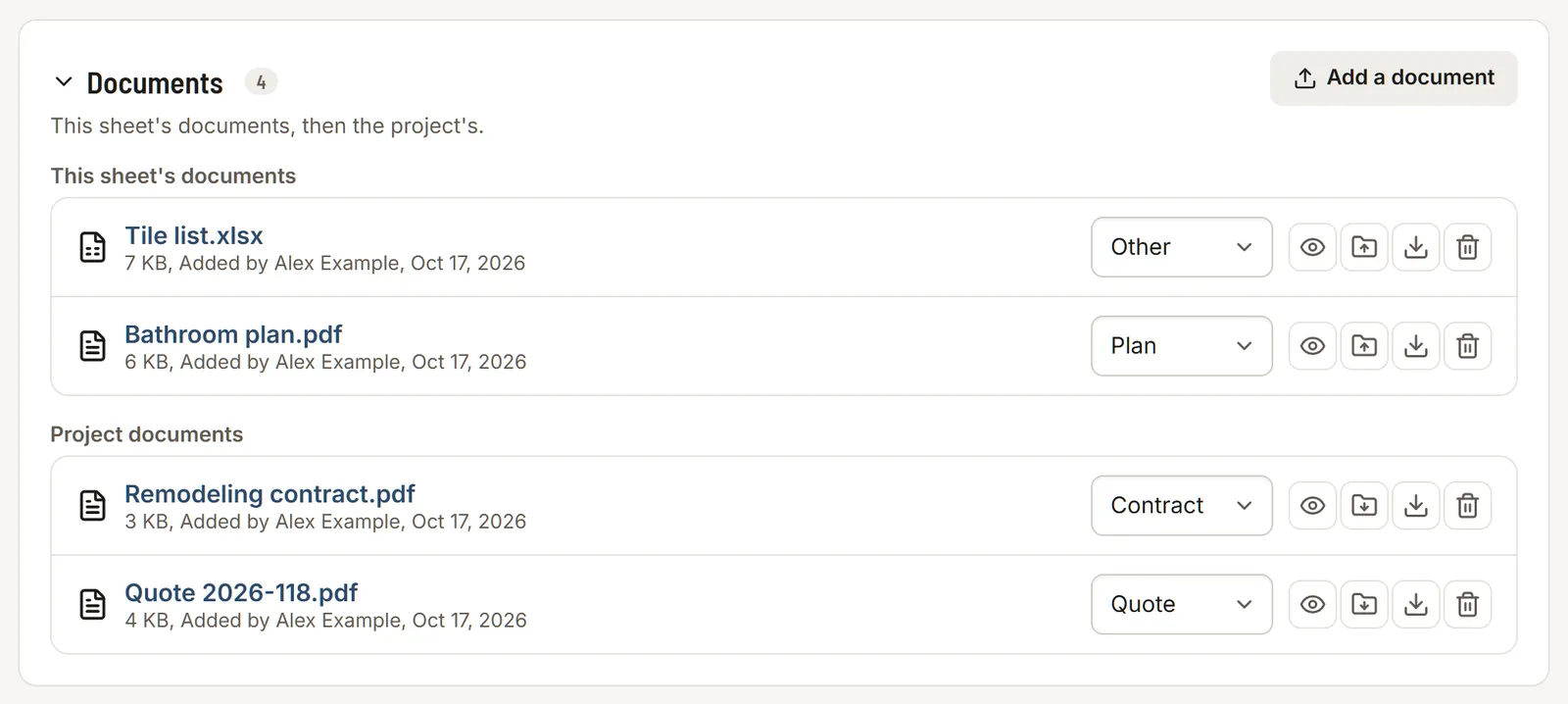
Your files, kept with the project
A document belongs to the project or to one of its sheets. Say what it is (plan, quote, contract or other) and change it any time. In a sheet, the Documents panel shows that sheet's documents first, then the project's, and one click moves a document from one to the other.
- PDF, JPG, PNG, WebP, Word (DOCX), Excel (XLSX) and CSV
- Up to 20 MB per file and 100 documents per project
- A progress bar and a Cancel button while uploading, on a slow network too
Opened in the app
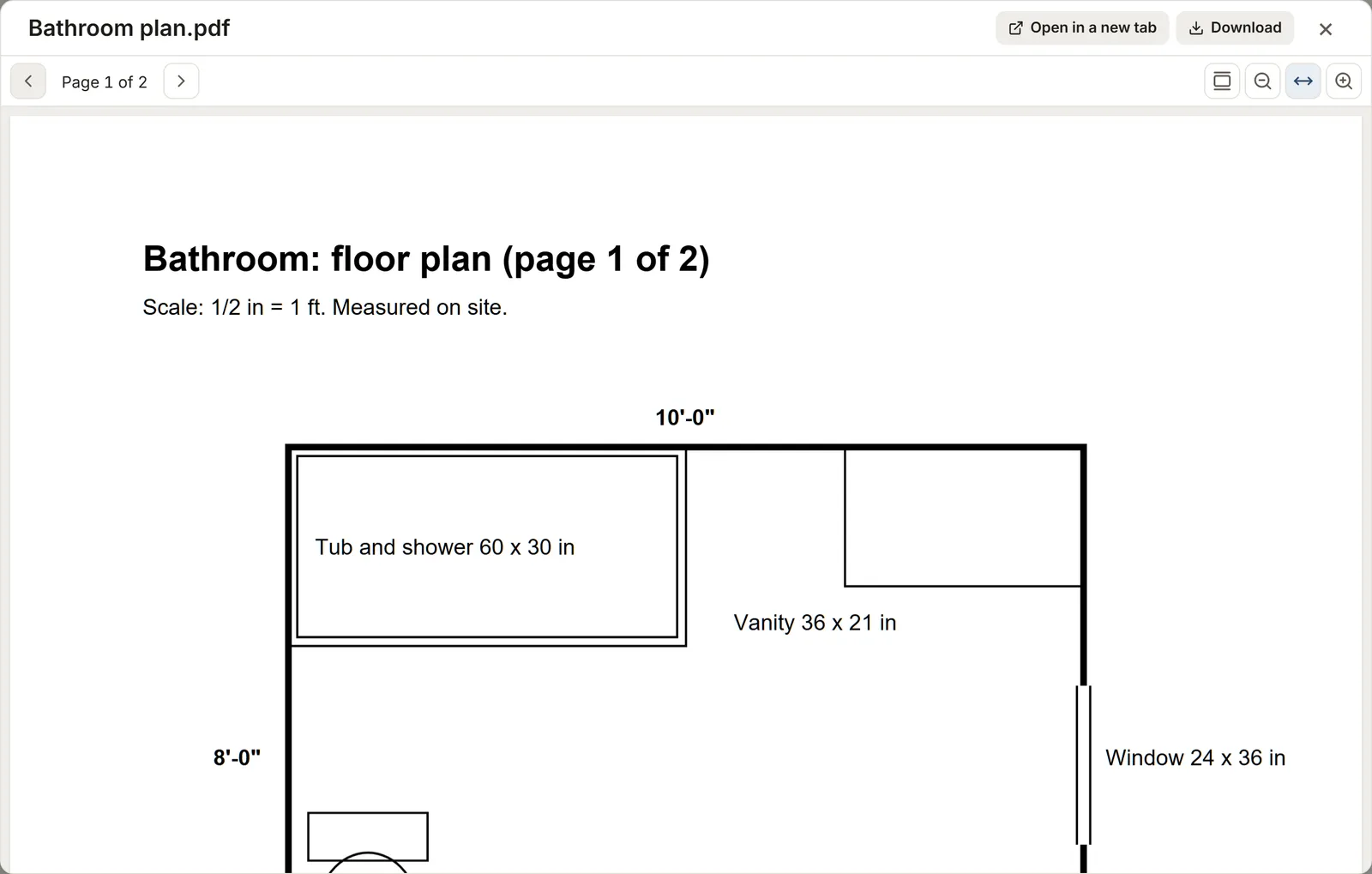
A PDF opens in the viewer: page by page or as one continuous scroll, zoomed with a pinch, Ctrl and the mouse wheel, the buttons or a double-click. The text of a PDF can be selected and copied, like the dimensions on a plan. A scanned plan shows as an image.
A photo opens full size, an Excel or CSV file as a table to read, up to 1,000 rows. A Word file downloads. Any document can also open in a new tab or download.
Attached where it belongs
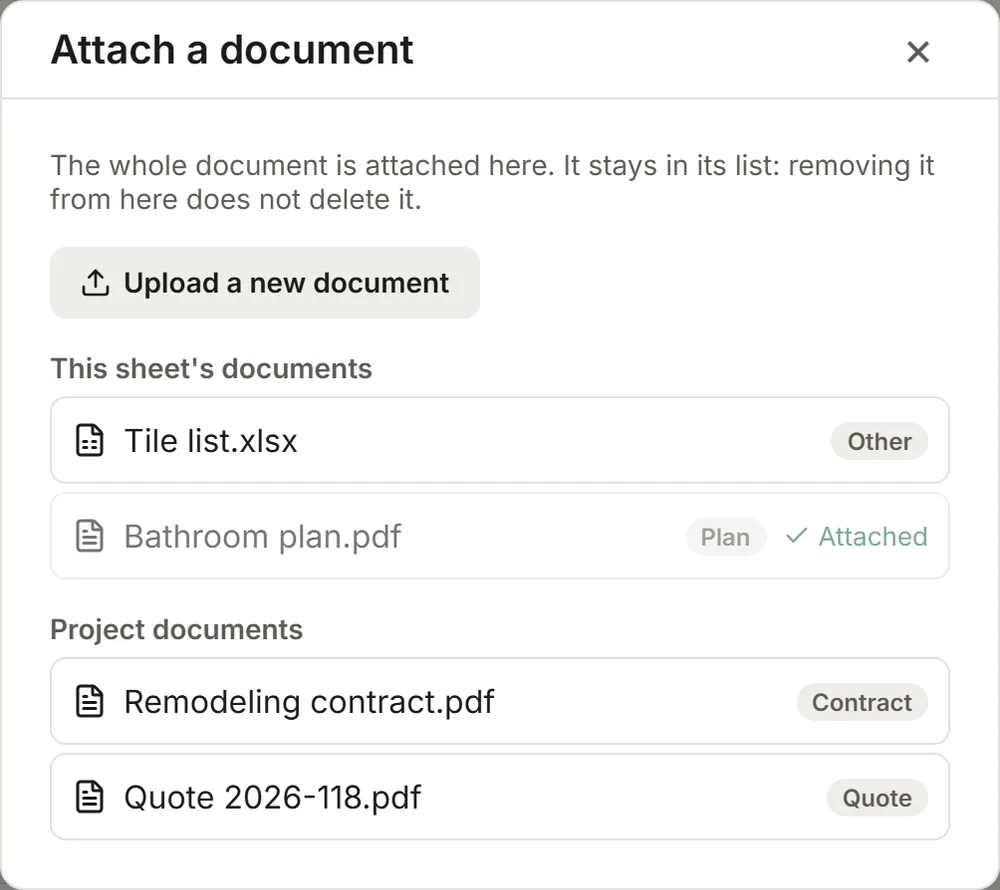
The Document button, next to the photos of a section or subsection, attaches a whole document there: pick it from the sheet's and the project's documents, or upload a new one. It shows as a chip that opens it with one tap. Removing the chip does not delete the document.
Named in your reports
The PDF report writes the line "Document: Bathroom plan.pdf (Plan)" under the section, and the Excel file adds a Documents sheet (section, subsection, name and kind). The file itself stays in MesuPro; it is not copied into the export.
FAQ
Can I attach a PDF plan?
Yes. Add it to the project or the sheet, then attach it to the matching section with the Document button. It opens in the app, with zoom.
Who sees the documents?
Anyone with access to the project. Viewers open and download documents but cannot add any. A document is deleted by the person who added it or by an admin.
What about no signal?
Uploading needs a connection: offline, MesuPro tells you so and nothing is lost. If the signal drops midway, the file stays selected and goes again with one click.